See the file, not the filename
The signature is checked before the extension is trusted. A renamed picture does not pass because someone typed .jpg.
Verify Reality With AI
FrameVerify is the review desk for newsrooms, security teams, investigators, and compliance groups. Open a sample, read the score card, keep the monthly plan on the account, and download every invoice from the same place.
The product is a first pass, a written record, and billing that continues until the subscription is deactivated. It is not a courtroom certificate and it does not replace a qualified examiner.
The signature is checked before the extension is trusted. A renamed picture does not pass because someone typed .jpg.
AI probability, trust score, and confidence sit on one card. A single high number is a reason to pause, not a final finding.
Each paid period creates a numbered invoice. The PDF arrives by email and stays on the account for a later download.
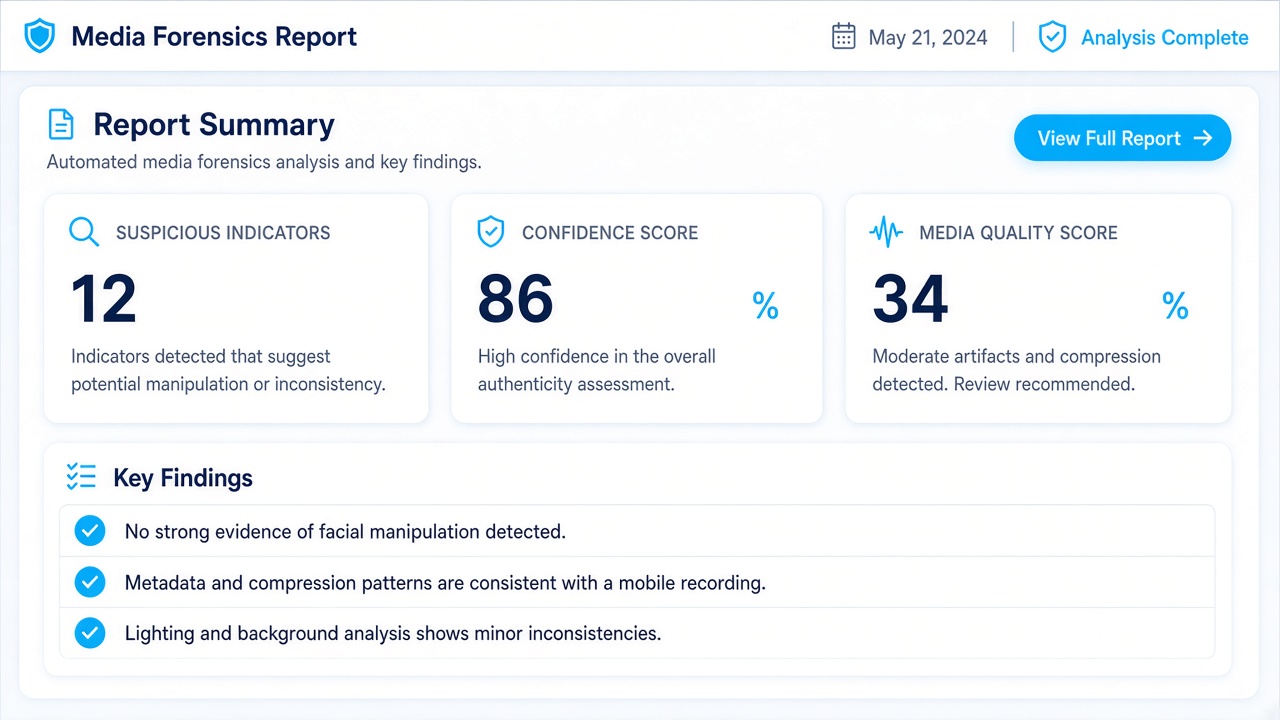
Score card
Metadata presence, a JPEG end marker, a stripped EXIF block, or a video container that ends too early. Each indicator is written in plain language so an editor can say what was reviewed.
Confidence stays limited to the evidence that was actually available. Structural screening is narrower than a connected model review, and the card says so.
Explore the checks
Sample console
The demo is a three-pane console. Pick a sample on the left, watch the four checks complete in the center, and read the score card on the right. Nothing is uploaded.
The numbers are fixed samples. Quote them only as a demonstration of the interface.
Open the demoRegister with your name and email. The email is the username. The password is stored only as a hash and must be at least 12 characters with a letter and a number.
Choose Basic at $69.99, Pro at $99.99, or Business at $149.99. The button opens PayPal. The return marks the plan active and writes the first invoice.
The plan stays active until you deactivate it in the dashboard and cancel it in PayPal. Each new period emails another PDF.
No. It means the checks that ran did not raise a strong synthetic-media signal. Original capture, chain of custody, and a human reviewer still matter.
Yes. The demo uses three labeled samples. Creating an account is what stores the plan, the invoices, and the sign-in.
Deactivate the plan in the dashboard and cancel the subscription in PayPal. Future invoices stop after both steps. The current paid period remains on the record.
Each invoice is stored on the account and sent to the email used at registration. Download the PDF again from Invoices while you are signed in.
Write to support@frameverify.world or use the contact form. Include the account email and the invoice number when the question is about a charge.
Start on https://frameverify.world
Create the account, choose a monthly plan, and keep every PDF. Support is support@frameverify.world.